Activate the Tools Ribbon
The Tools ribbon is a ribbon available only to administrators.
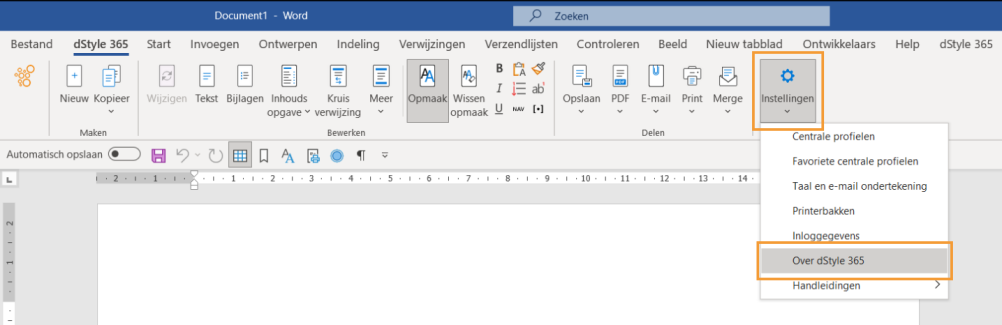
In the dStyle365/LegalWord365 ribbon, go to Settings > About dStyle365/LegalWord365.
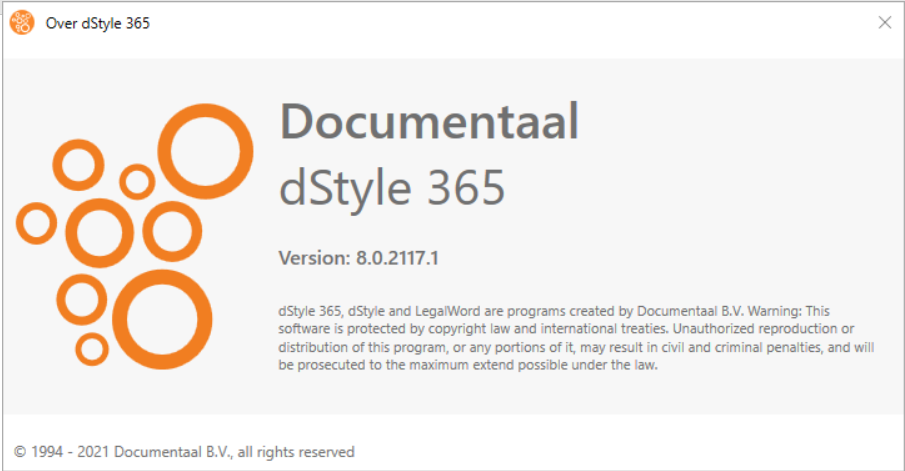
The screen with the software disclaimer and Documentaal information will appear. Press F11.
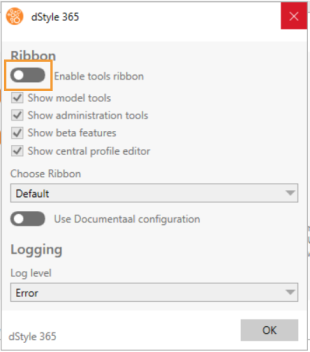
In the dStyle365 screen, check the desired options.
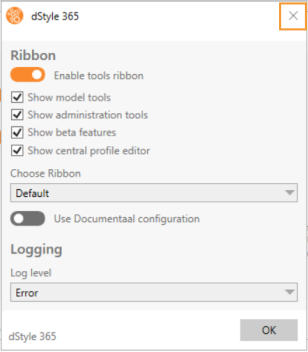
Close the screen using the 'x' in the top right corner. The next screen, About dStyle365 / LegalWord365, can also be closed using the 'x' in the top right corner.

The Tools ribbon will appear to the right of the Home ribbon.