Using Placeholders
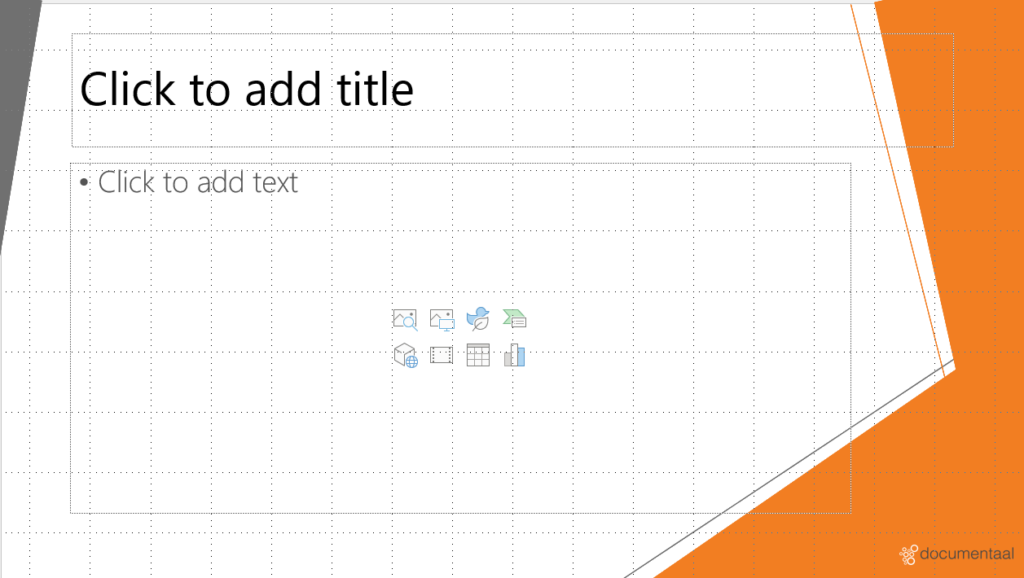
'Placeholders' have been added to the various slide layouts. These placeholders determine where a user may insert specific visual elements. By clicking on an icon within the placeholder, an element can be selected. There are a total of six different types of visual elements that can be inserted via the placeholders:
- Table
- Chart
- SmartArt object
- Picture
- Illustrations
- Media clip
Depending on the slide designer's choice, one of the above visual elements can be added using the placeholder, or all types of elements can be added.
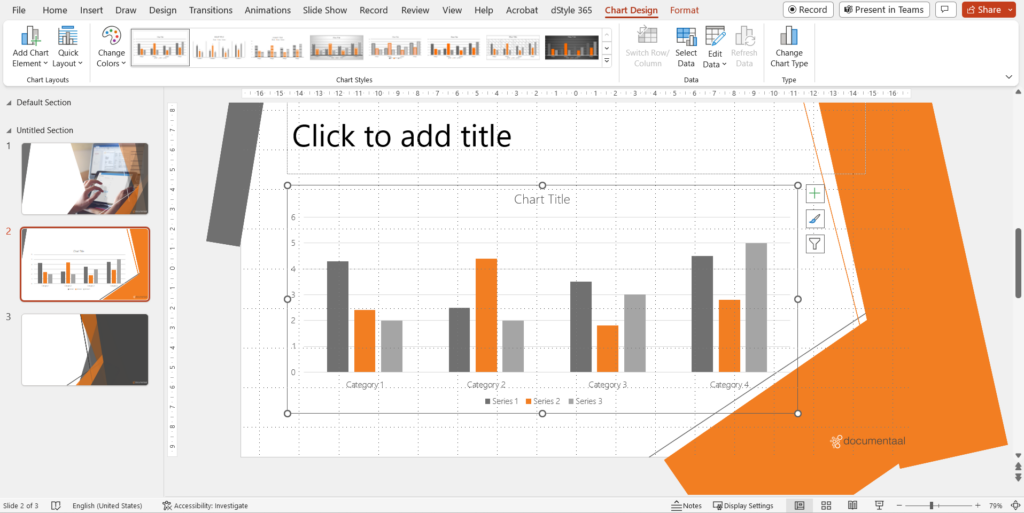
Because PowerPoint uses color schemes, the visual elements are automatically formatted in corporate identity (or derived) colors. Subsequently, as a user, you can easily utilize the standard designs available in PowerPoint.
All possible designs that can be selected are displayed in the colors of the color scheme. This means you no longer have to worry about house style-compliant formatting; PowerPoint handles this automatically. You can find all these layouts in the 'Designs' ribbon. This ribbon automatically appears when you have inserted or selected a visual element.