Repair Styles
This function allows you to repair corrupted styles in a document. This can happen when multiple people are working on a document simultaneously or when you receive a document that has been edited by a third party.
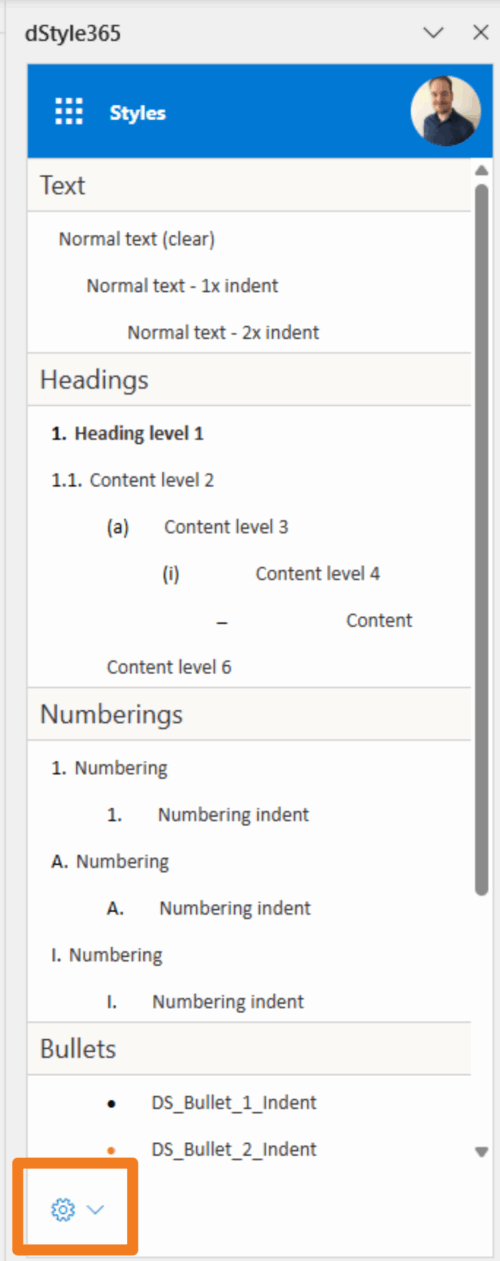
When you have saved your document to SharePoint (DMS), the Repair Styles function will appear in the styles pane. Click the cogwheel in the bottom left of the styles pane to restore the styles.
The dStyle365/LegalWord365 software copies the styles as they are known in the template used back over the document, thereby restoring the styles to how they are defined in the template.