PDF conversion
To protect a document from editing, it is often converted to PDF format. In dStyle365, you can directly convert a Word document to PDF format.
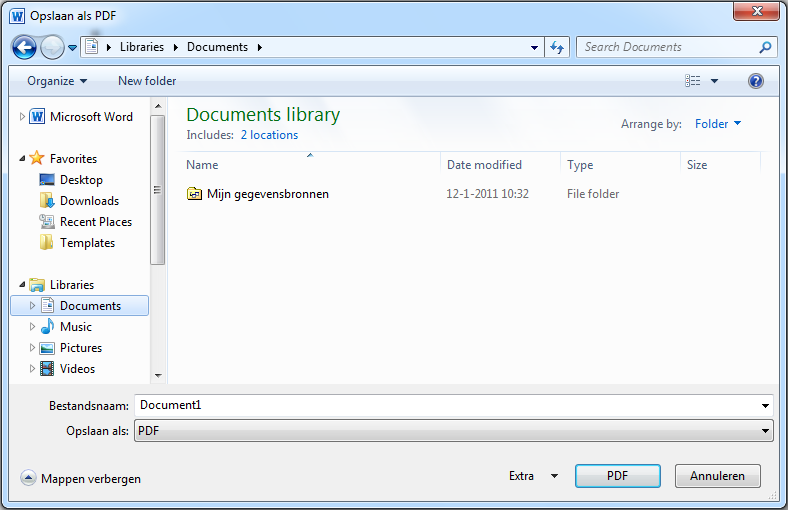
In the corporate identity ribbon, click the 'PDF' button to save the open document as a PDF document. In the dialog box that appears, you need to specify where the document should be saved. Navigate to the folder where you want to save the PDF document and click the 'PDF' button.
In the PDF document, elements of the document that are normally not printed, such as the logo, will be displayed.
Please note!
The original Word document always remains available. You can also save this document.