Copy Formatting (The Format Painter!)
Use the Format Painter in the Documentaal Ribbon to copy the style from one text to another. While this can also be done with the formatting buttons in the Ribbon, it is especially useful when formatting multiple pieces of text.
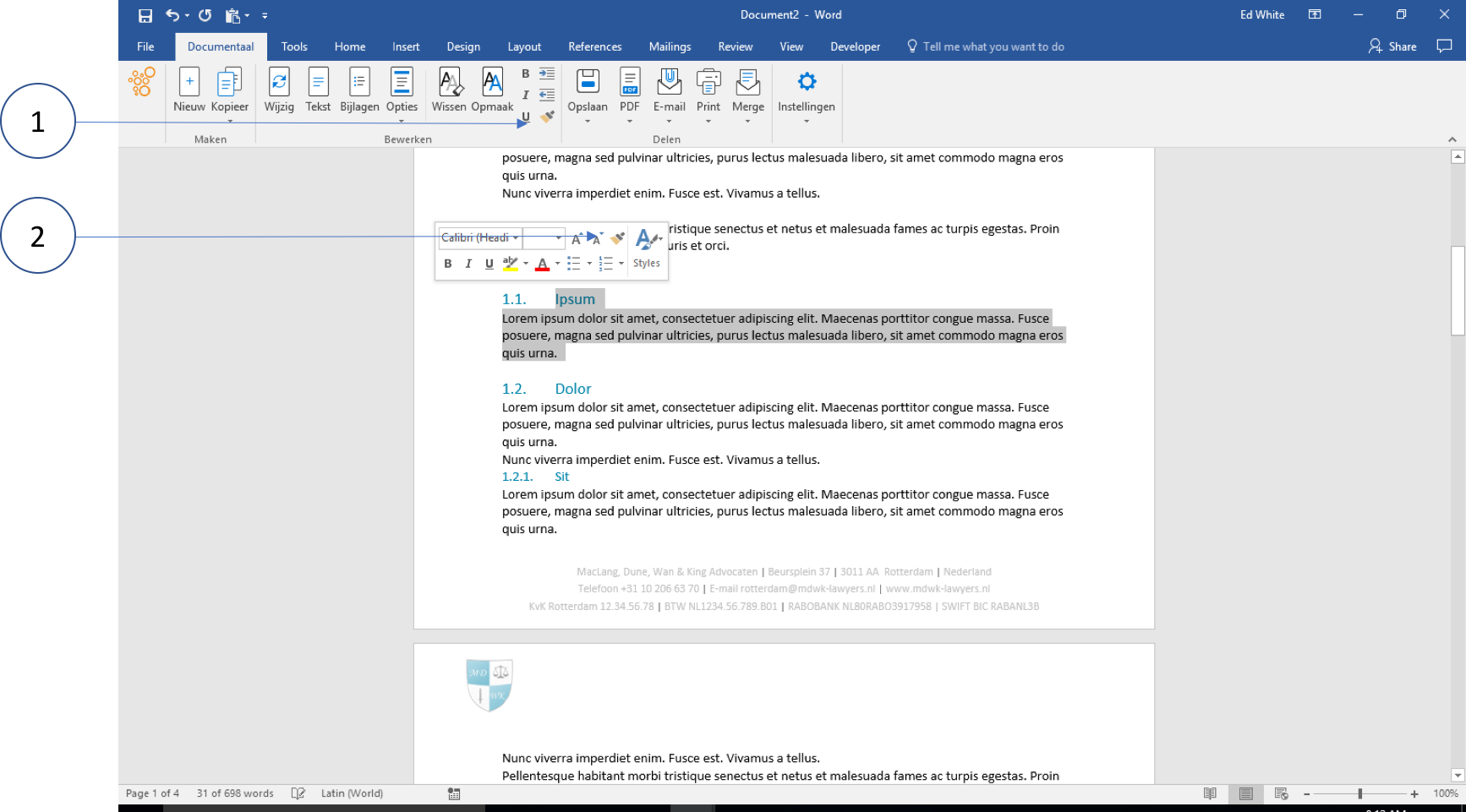
① Copy formatting with the Format Painter from the Ribbon
② Copy formatting with the (same) Format Painter from the right-click quick menu
Usage
- Select a piece of text
- Double-click (2x) the Format Painter
- Now click on different elements. All of them will be adjusted. If you click the Format Painter once, only the selected piece of text will receive the selected formatting.