Saving Templates in Excel
In Microsoft Excel, dStyle365 offers you the ability to quickly and easily create new Excel sheets according to the prevailing corporate identity guidelines.
Are you satisfied with an Excel spreadsheet and want your colleagues to use it? Then remove all specific data, so you only keep the columns, functions and calculations, pivot tables, etc.
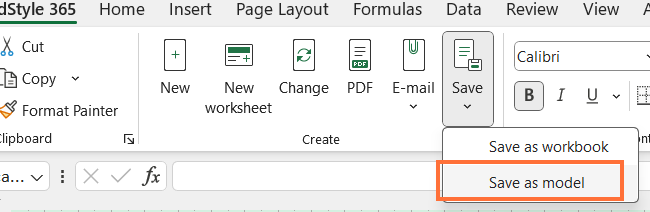
Click the Save as template button.
Enter a name and choose a location.
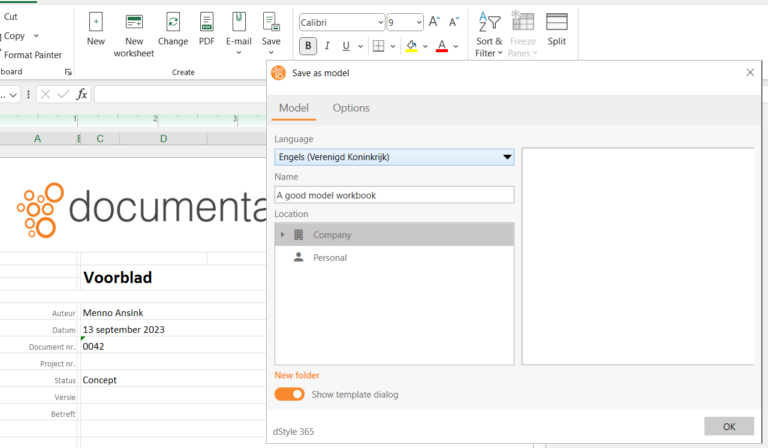
On the Options tab, you can select the form fields whose values should be retained when creating a new document.
The template can now be reused as a new document.