Create a dStyle / LegalWord site in SharePoint
dStyle / LegalWord needs a location to store templates, settings, images, and other configuration files. This location is a site in SharePoint. The site requires three document libraries, namely:
- Config
- Content
- Software (optional)
Creating a site in SharePoint
Open the Microsoft admin center (admin.microsoft.com) and create a new site.
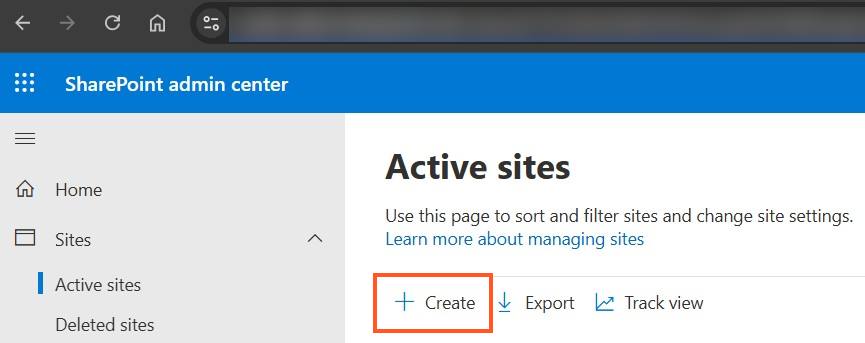
Choose the Teams site, give it a name, for example dStyle365, and add owners and users.
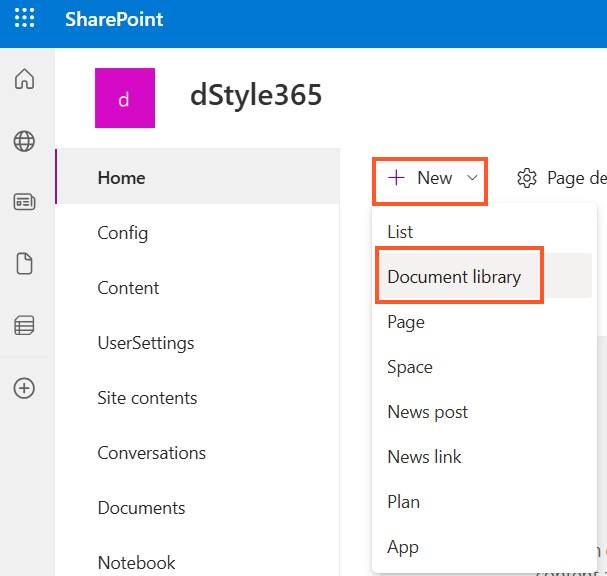
Click the New button and choose Document Library.
Permissions are generally used for the different libraries. Below is an example of how this can be implemented:
Document library | Admins | Content managers | Users
Config / Shared | Read-write permissions | Read permissions | Read permissions
Content | Read-write permissions | Read-write permissions | Read permissions