signature
    document
    signatory
    profile
    image

    Signature in document

    Learn how to add a signature as a signatory in a document by linking an image to the signatory's profile.

    Published on January 6, 2026
    1 min read
    Documentaal knowledge center

    Signature in document

    To add a signature as a signatory in a document, an image must be linked to that signatory's profile.

    First, scan the paper on which the signature was placed. This can be saved in PNG or JPG format. Add that image to the Contents/Signatures folder.
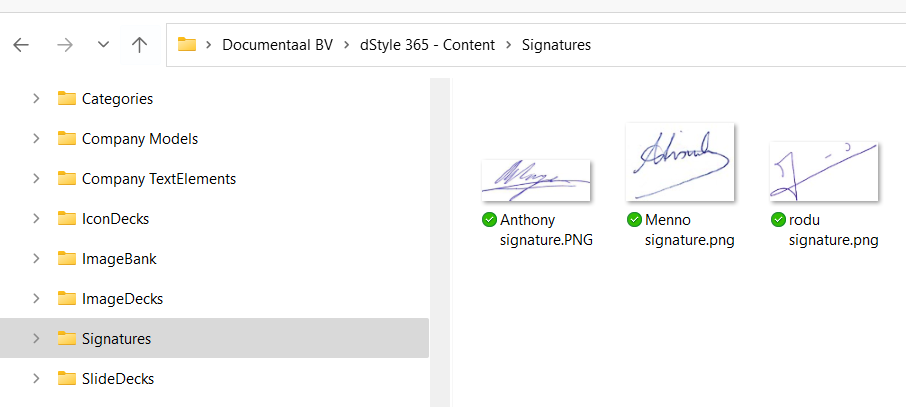
    Contents Signatures folder

    Then go to Profiles, or Central Profiles and select this image for the relevant profile.
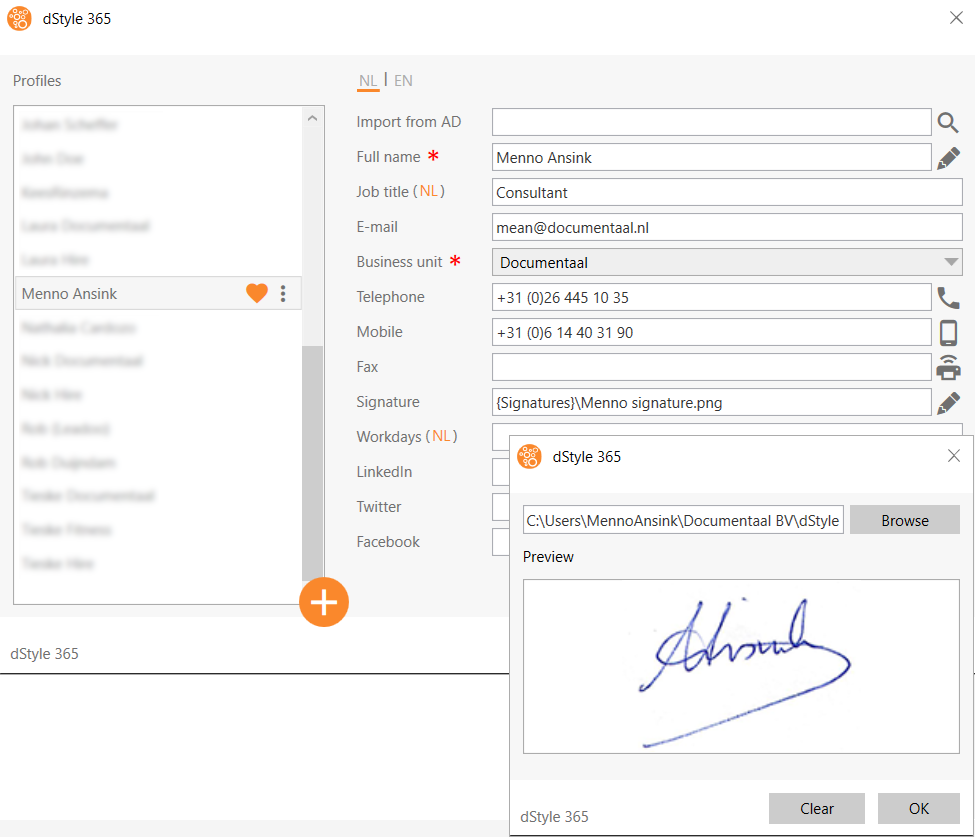
    Add signature to profile

    Discover more articles

    View more guides and tips in our knowledge center