Email as Word document (cleaned)
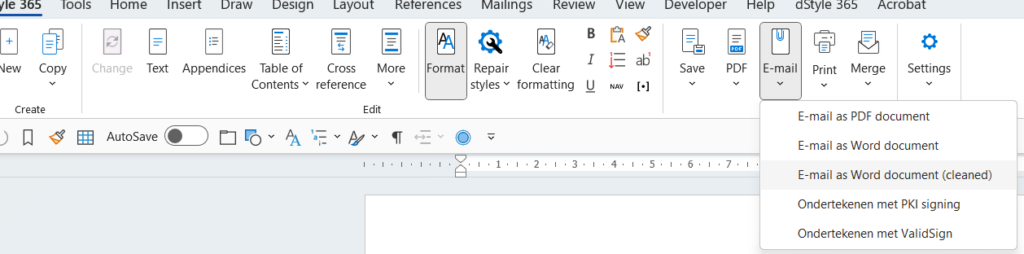
It is possible in dStyle365 (LegalWord365) to send the saved Word file directly as an email from the dStyle365 (LegalWord365) ribbon. There is also the option to send the file "cleaned". This cleans up metadata such as changes, editors, and the like from the document.
In the Admin Settings (under the Tools button), you can set whether the Author of the document is replaced by the company name. To do this, check the 'Company name as creator' box (this is also the default). If this is not desired, uncheck the box, and the Author field will be emptied. In both cases, the 'Last modified' field will also be emptied.