Modify and Manage Central Profiles
In the dStyle365 / LegalWord365 ribbon, go to Settings > Central profiles or in the Tools ribbon go to General > Central profiles.
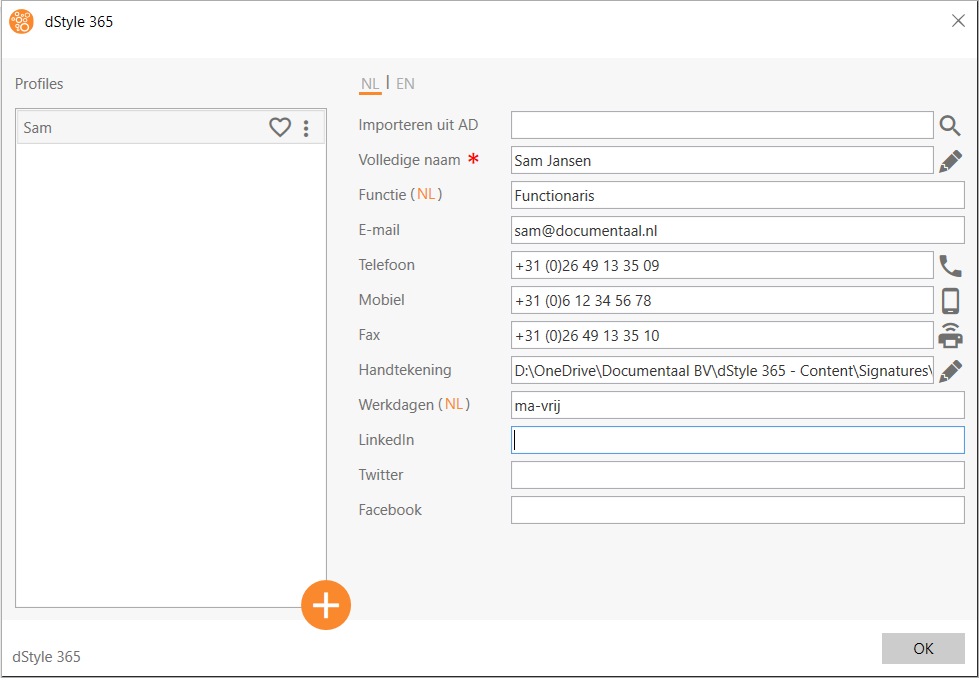
Select the profile to be modified on the left side and adjust the data on the right side of the screen. Click on Ok to save the changes and close the screen.
Click the large plus (+)-button to create a new profile.