Import Central Profiles
Before importing, employee data must be entered into the designated Excel file.
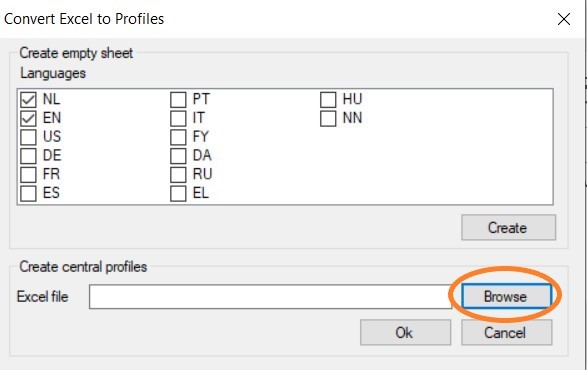
In the Tools ribbon, go to General > Import central profiles. At the bottom of the screen, click the Browse button and locate the Excel file. Then click the OK button to import the profiles and close the screen.
No further notification will appear, and the profiles will be added in the background. To verify, you can perform the following step. In the dStyle365/LegalWord365 ribbon, go to Settings > Central Profiles to view or modify the central profiles.