Document Creation: It seems to roll right off your printer…
Every organization of a certain size knows the problem – well, let's say problems – when we talk about paper flow. Shall we list a few?
- A corporate identity that leads a completely independent life within each department.
- Documents that were once saved, but are now untraceable.
- Doubt about a document's status: is this really the latest version??
Good heavens… who said that automation only brought benefits?
Yes, automation certainly does! Of course, digitalization makes work much easier! Just as the switch from quill pen to dip pen, from fountain pen to typewriter, and from typewriter to word processor were steps towards the perfection of The Document.
And now, with document creation, we are taking another step: a report, letter, or memo that more or less produces itself. How easy do you want it to be?
Of course, you have to use the available possibilities. Such as a smart application for document creation in combination with an excellent document management system. Piece of cake, right?
If we explain to you – briefly – how a document creation program works, its benefits will naturally emerge. As an example, let's take our own program, dStyle365.
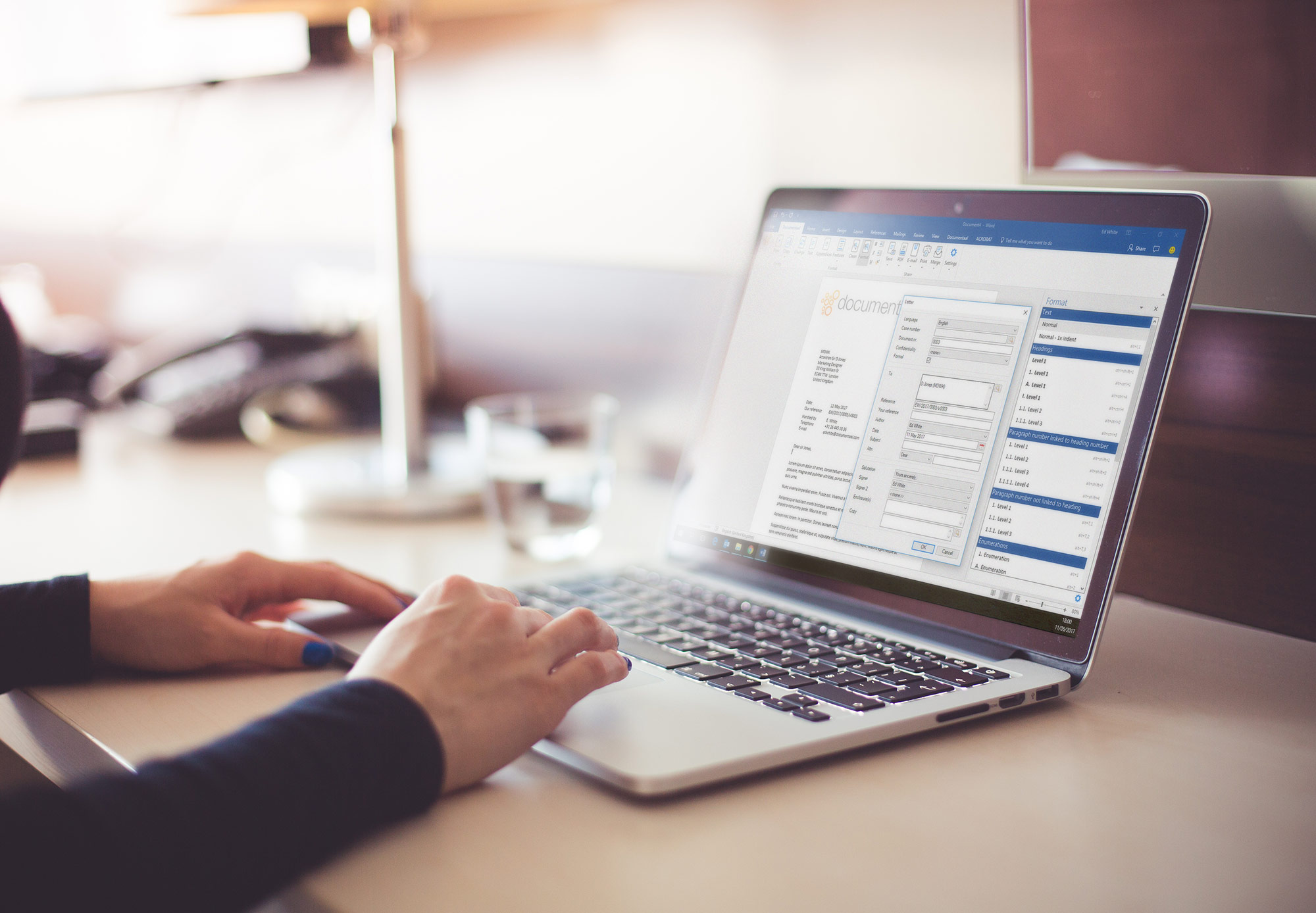
- You simply work in Microsoft Word, where this program is integrated.
- You choose the type of document you want to create: letter, report, memo, email, reminder, contract, you name it.
- The program asks you for some variables: name and address details, a file number, whatever. All other relevant data is then automatically retrieved from the CRM.
- From Text Fragments, you choose the paragraphs – but also fragments that can consist of dozens of pages – that you want to use in the document. And, of course, you can supplement the document everywhere with text that you enter on the spot via your keyboard.
- You can optionally add attachments from the file. File? Absolutely! The program ensures that you have all documents (including all emails!) related to that specific case immediately at hand.
- You may print your document, but using the only correct printer, with the correct paper.
- And finally, you save the document. Well, actually, you don't do that, but the program itself, which knows exactly which file it needs to be placed in based on metadata.
- And then, the next time your colleague or yourself continues working on this file, you type in a few characteristics and presto, the entire file is immediately available to you.
The advantages? Let's list those too; the numbers above and below correspond.
- No need to make things difficult, just type away in Word, undoubtedly familiar to you – and almost everyone.
- They're all in there! You no longer have to worry about the layout and design of the document; that's done for you! The program chooses exactly the layout, font, and margins that belong to that document.
- The program quickly recognizes the uniqueness of the data you enter. A letter? Postal code and house number are enough to know that it's a letter for Mr. Janssen in Oosterwijtwerd (where is that again?). All other data is immediately retrieved.
- So you no longer have to cut and paste anything from previous documents. There's always the risk of using an outdated document. Or copying someone else's privacy data (oops!). Or adopting the wrong corporate identity. Or… whatever. So don't do it!
- Nice, isn't it, all relevant documents right in front of you. You don't have to search for anything anymore; you even see the latest emails, you are completely up-to-date when it comes to this file. You can immediately anticipate the latest developments, because they are directly added to the file.
- The program knows that for a letter you need to use printer A paper tray 3, and for a report printer B paper tray 2. Saves you a lot of irritation (that report on plain letter paper again! #$%^*()!!!*)
- You no longer have to figure out which drive, which directory, which subdirectory, which sub-subdirectory, and so on, and so on, and so on, to use. The system saves the document in the only place where everyone who uses the system can then find it with the greatest ease. Because the system does that for them!
Do we need to say more??
We have mentioned it before in a previous blog, but just to reiterate: Any idea how much time an employee spends on average searching for information in their own systems and preparing it for a new document? No? Well, don't be alarmed,…. Here it comes: about two hours a day! And those are certainly not the hours you've 'enjoyed' working!
But fortunately, after the quill pen, the fountain pen, the typewriter, and the word processor… there's the document creation program!
Do you want to see how it works? Contact us, we'd be happy to demonstrate it to you!

Address your target audience with a strong corporate identity
The importance of a strong corporate identity for your company is…